iOS widgets & Live Activities
Check My Solar’s iOS home screen widgets and Live Activities are built for Fox ESS inverter owners who want at-a-glance telemetry from Fox Cloud without opening the app—generation, load, battery, import/export, and forecasts stay visible on your Home Screen, Lock Screen, and Dynamic Island (on supported iPhones).
Home screen widgets
Section titled “Home screen widgets”Add widgets from the widget gallery: touch and hold the Home Screen or Today View → Add Widget → search for Check My Solar.
Solar Today is available to all signed-in users. Most other widgets require an active subscription (the widget shows a shortcut to upgrade if needed).
Widget screenshots
Section titled “Widget screenshots”These previews use the same image assets as the Widgets carousel in the iOS app (notification settings).
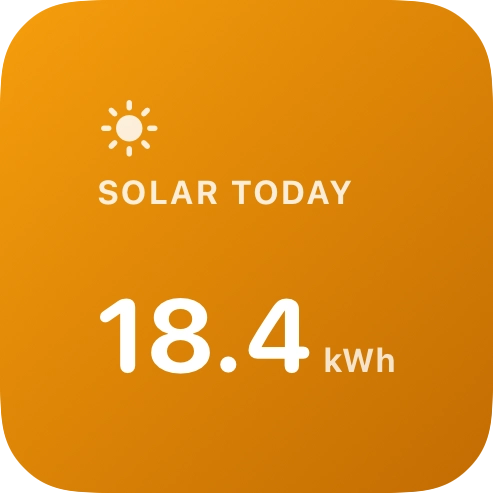
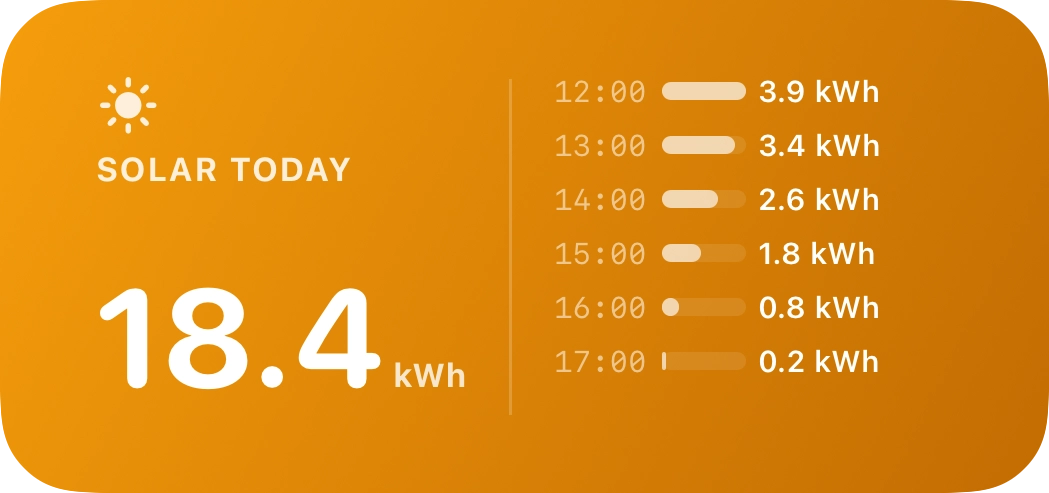
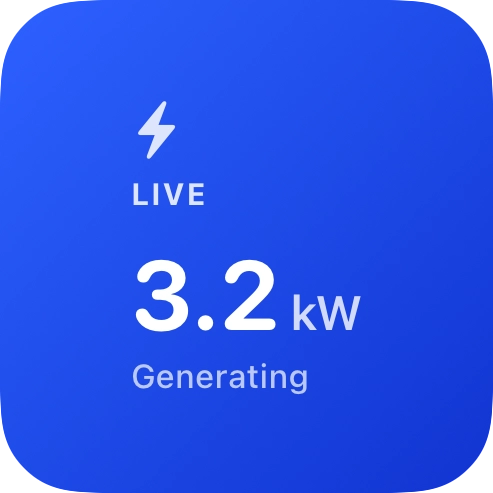
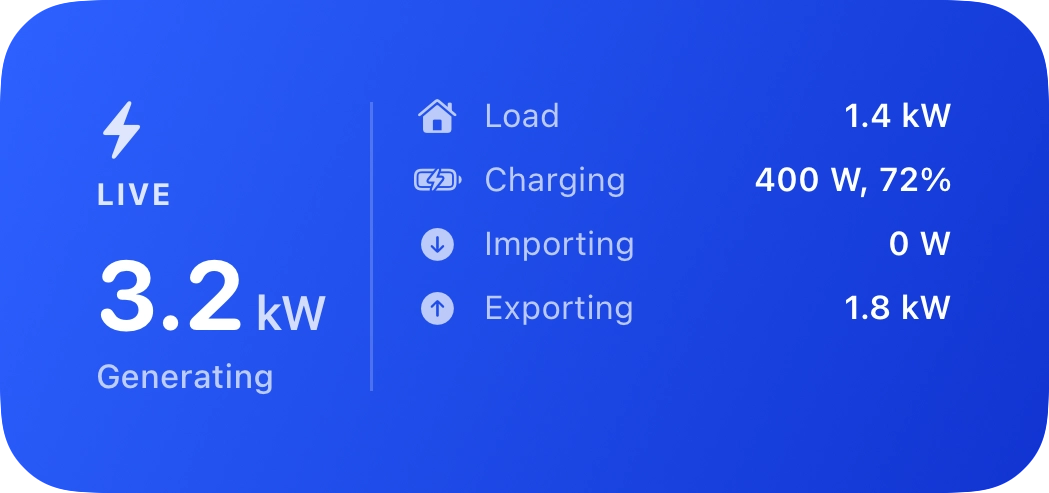
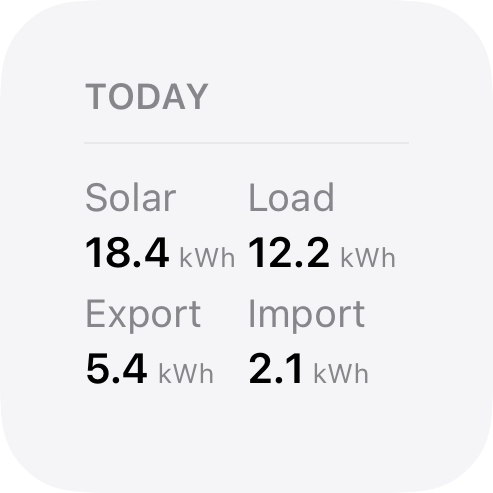
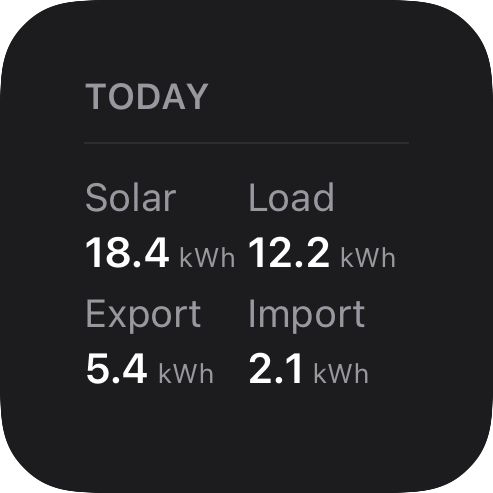
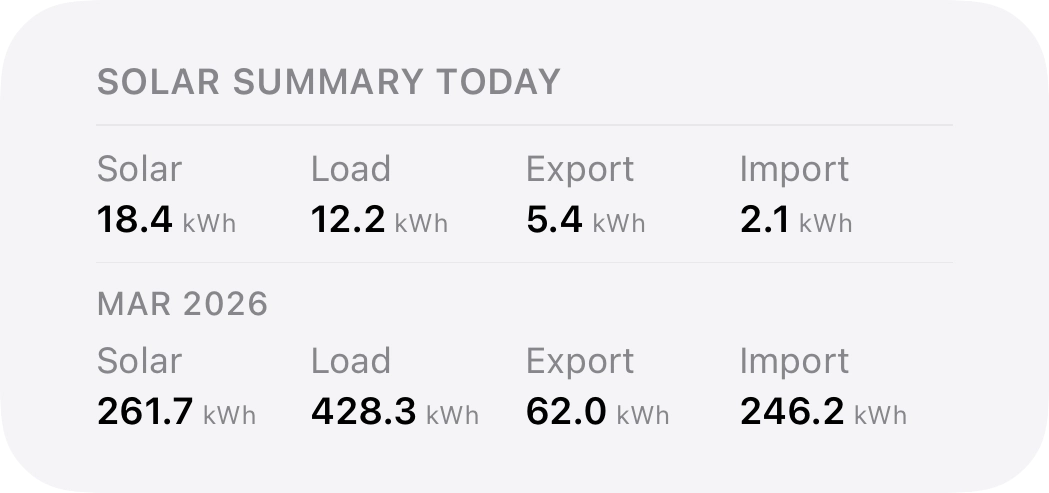
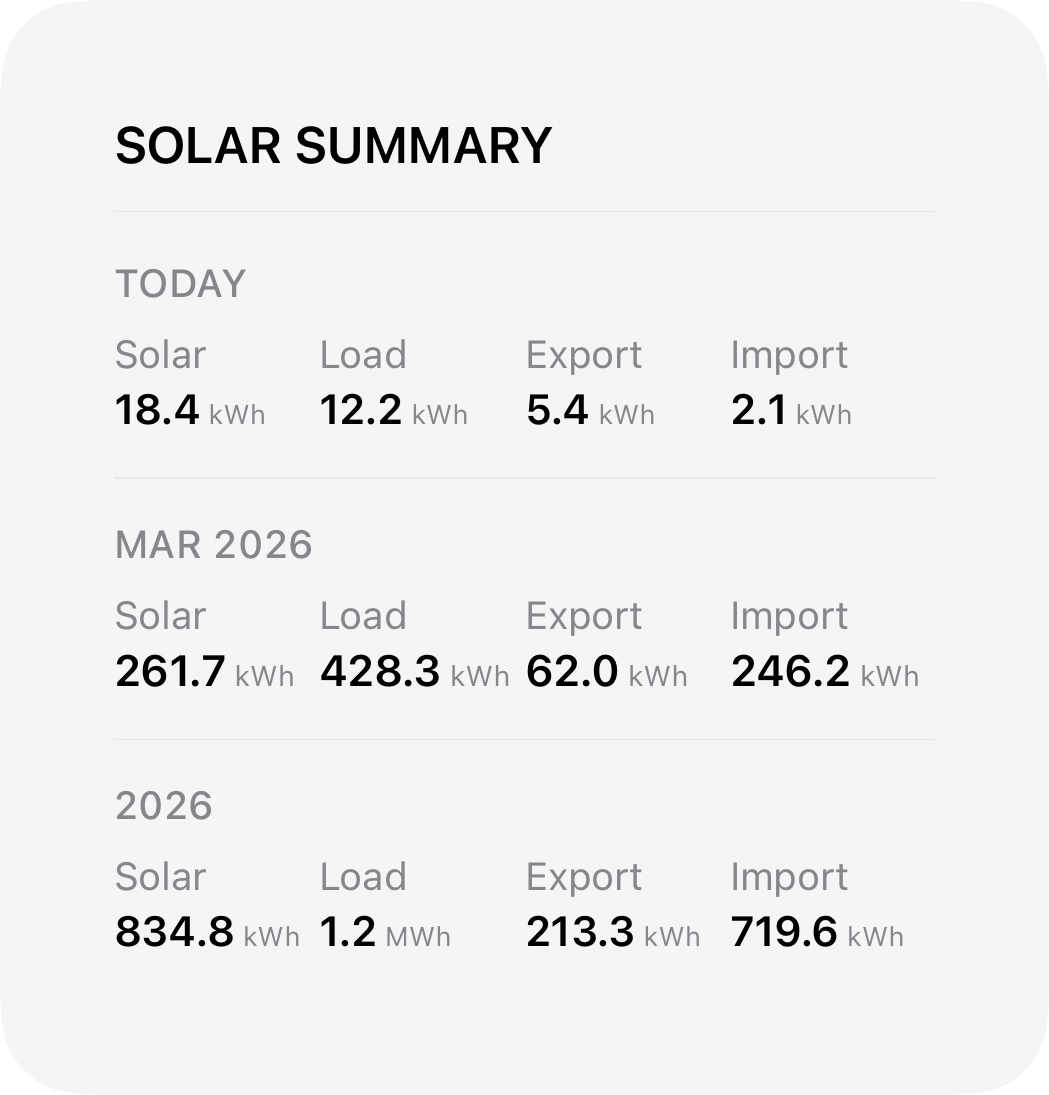
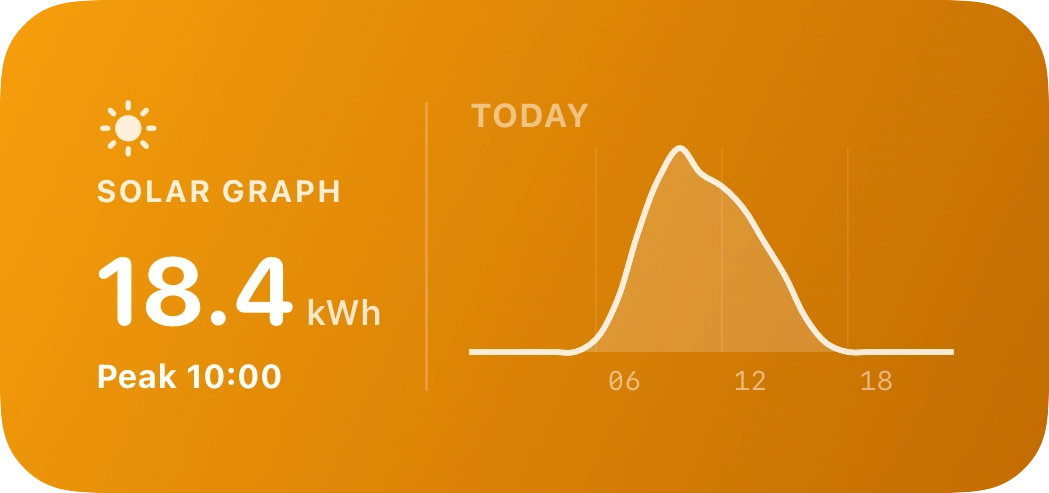
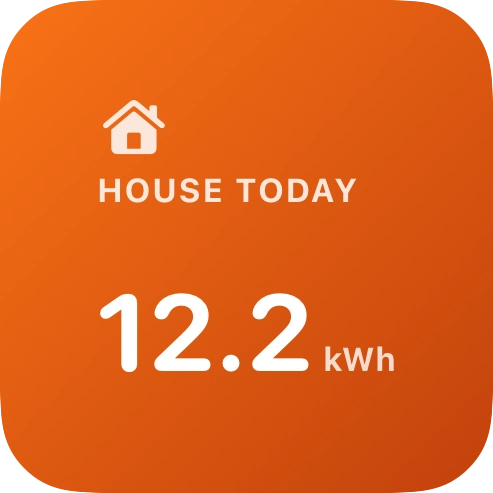
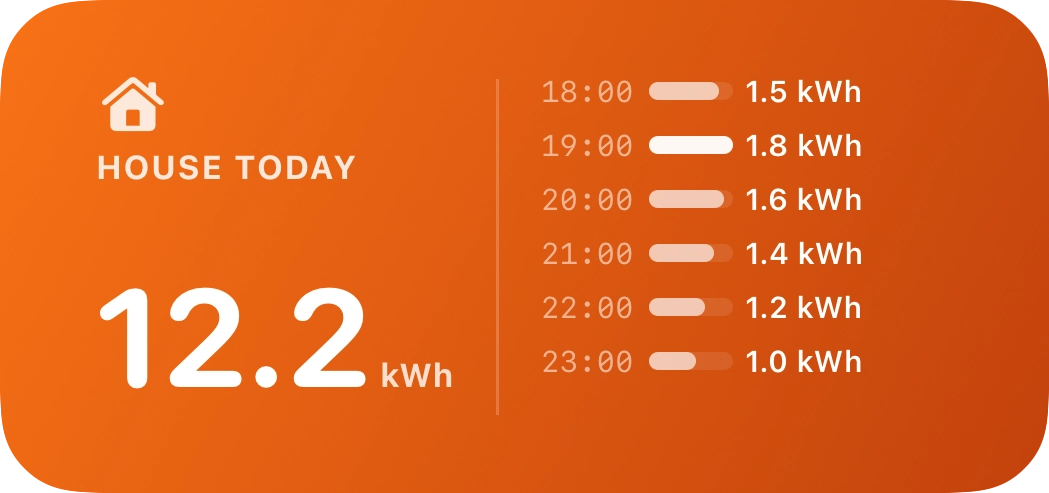
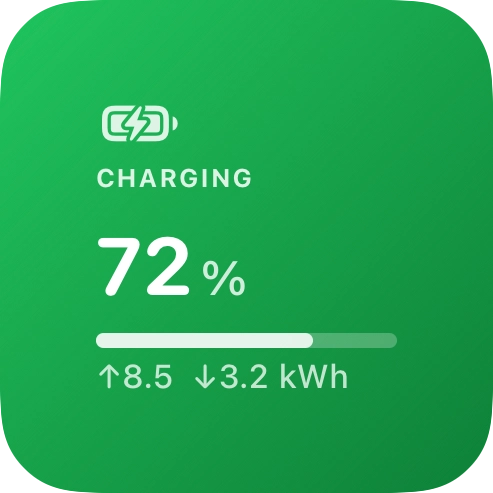
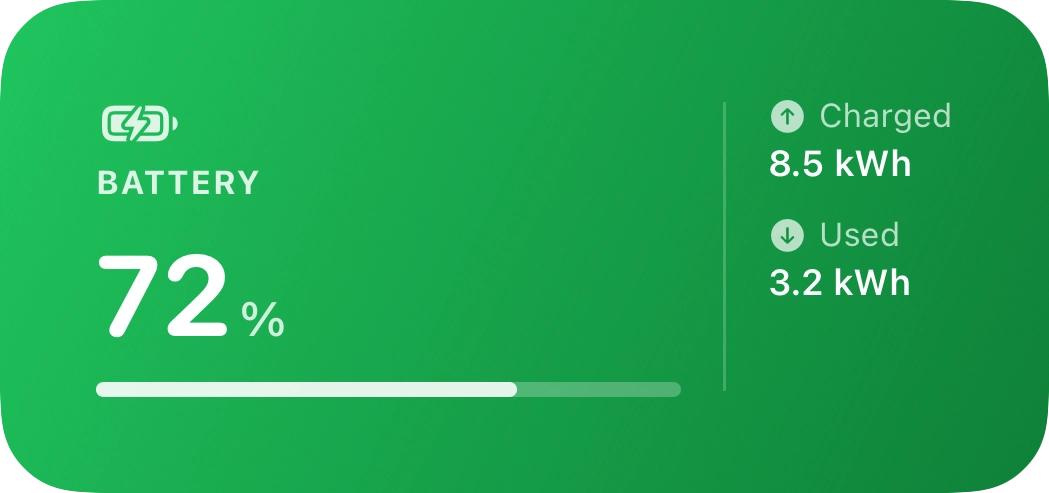
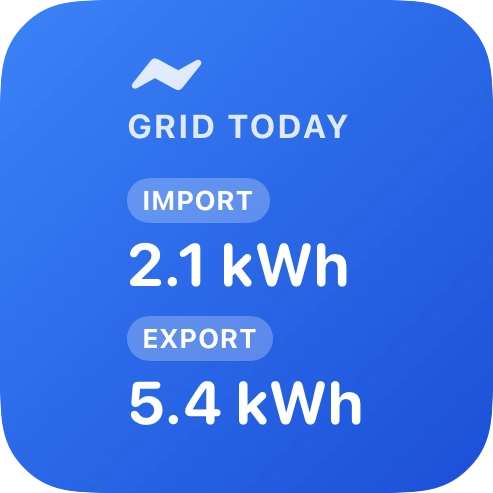
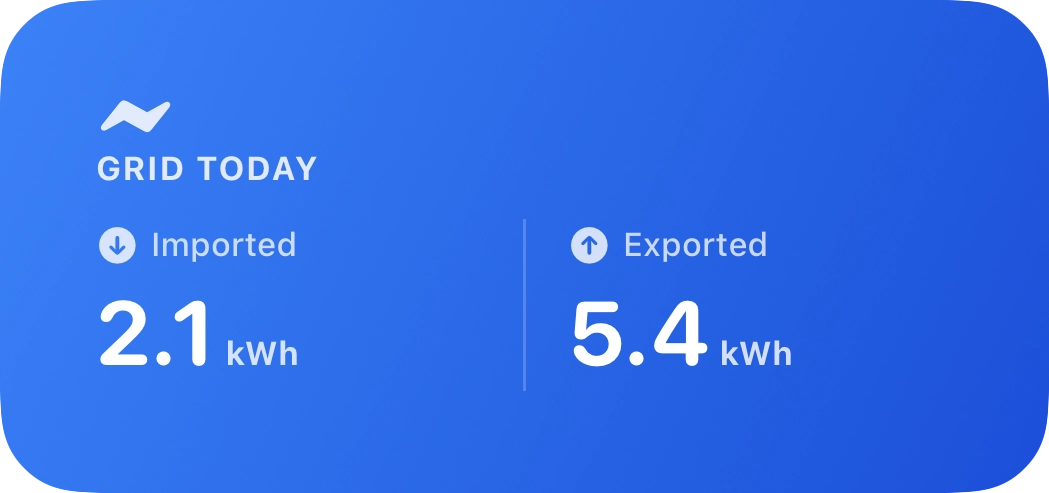
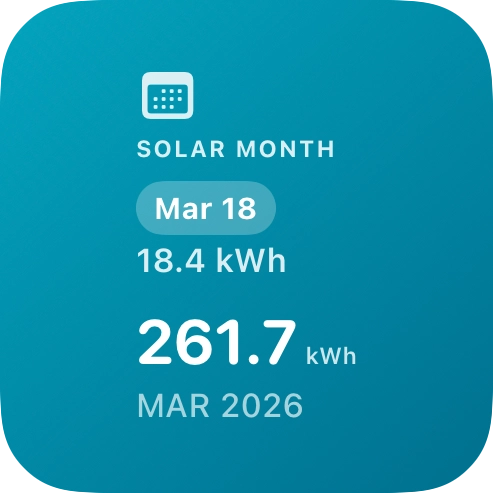
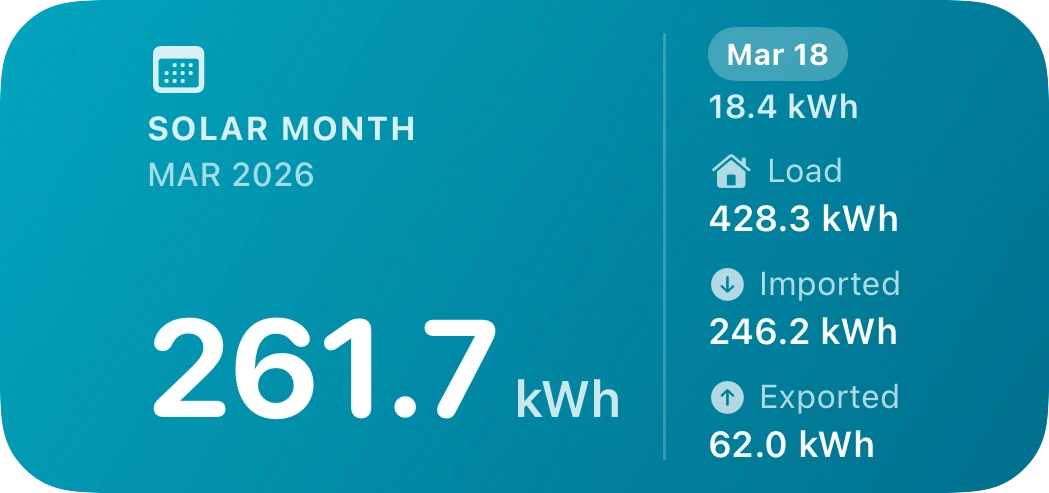
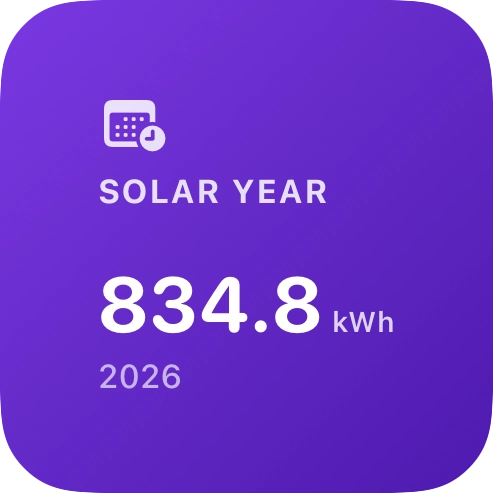
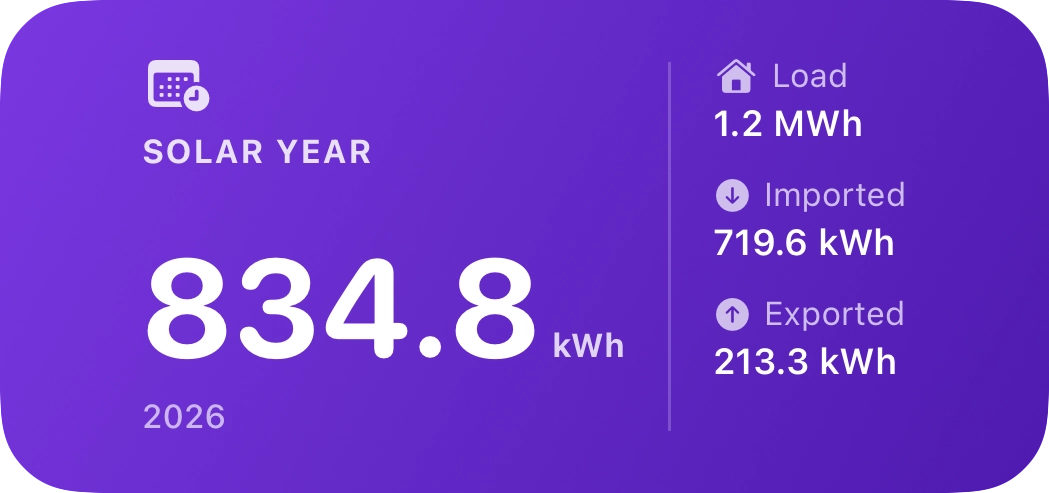
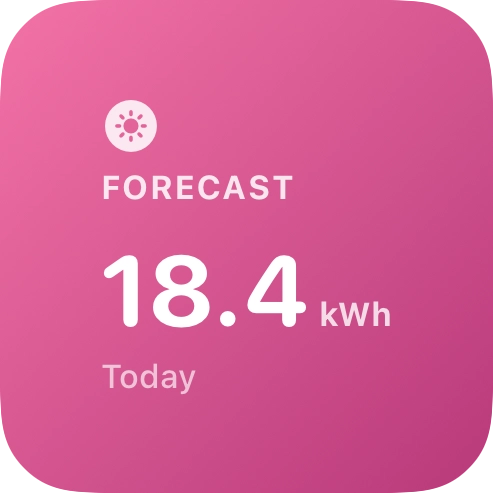
Widgets refresh on a timeline using your stored session and can update in the background; exact refresh timing is controlled by iOS.
Widget catalog
Section titled “Widget catalog”| Widget | Sizes | What it shows |
|---|---|---|
| Solar Today | Small, medium, large | Energy generated today; medium and large include an hourly bar chart of today’s solar profile and forecast context where available |
| Solar Live | Small, medium, large | Real-time solar generation and home energy status |
| Solar Graph | Small, medium | Today’s solar generation as a day curve (generation over the day) |
| House Load Today | Small, medium, large | Home consumption today; medium and large add an hourly load profile |
| Battery | Small, medium, large | State of charge and today’s battery energy flow; small shows dynamic status (e.g. charging / discharging / full / idle) |
| Grid Today | Small, medium, large | Energy imported and exported to the grid today |
| Solar Month | Small, medium | Total solar generation this month |
| Solar Year | Small, medium | Total solar generation this year |
| Solar Forecast | Small, medium | Today’s and tomorrow’s expected solar generation (links to the in-app forecast experience) |
| Today Summary | Small, medium, large | A neutral dashboard layout: today, this month, and this year in one widget |
Live Activities (Lock Screen & Dynamic Island)
Section titled “Live Activities (Lock Screen & Dynamic Island)”A Live Activity shows live Fox ESS data—including today’s generation, battery state of charge (or export when the battery is full), optional export earnings (when rates are configured), and today’s generation forecast—directly on the Lock Screen and in the Dynamic Island.
- Subscription required — Live Activities start only for subscribed accounts (same rule as premium widgets).
- Started from the app — Enable or disable the Live Activity from the in-app solar dashboard when logged in; the native shell coordinates updates while you use the app or when background refreshes run.
- System settings — If nothing appears, confirm Live Activities are allowed for Check My Solar under iOS Settings and that Low Power Mode is not blocking updates longer than usual.
Live Activities may end automatically after several hours of inactivity to save battery; open the app again to resume if needed.
Related
Section titled “Related”- PWA & iOS app — Web vs native app, PWA install, notifications
- Dashboard overview — What the in-app charts and cards represent
- Forecast — How forecasts power widget and Live Activity estimates
- Changelog — Recent widget and Live Activity improvements (e.g. hourly profiles, large summary, forecast on widgets)